What Is an App Store Keyword Research Template?
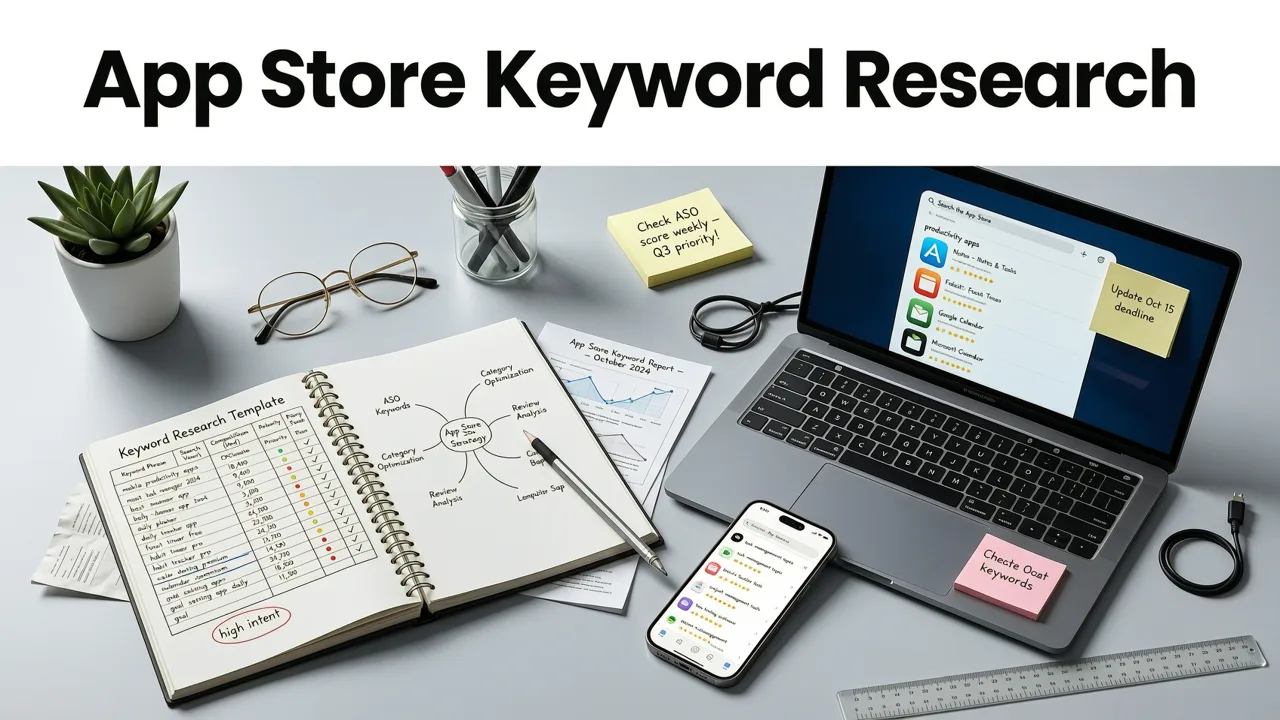
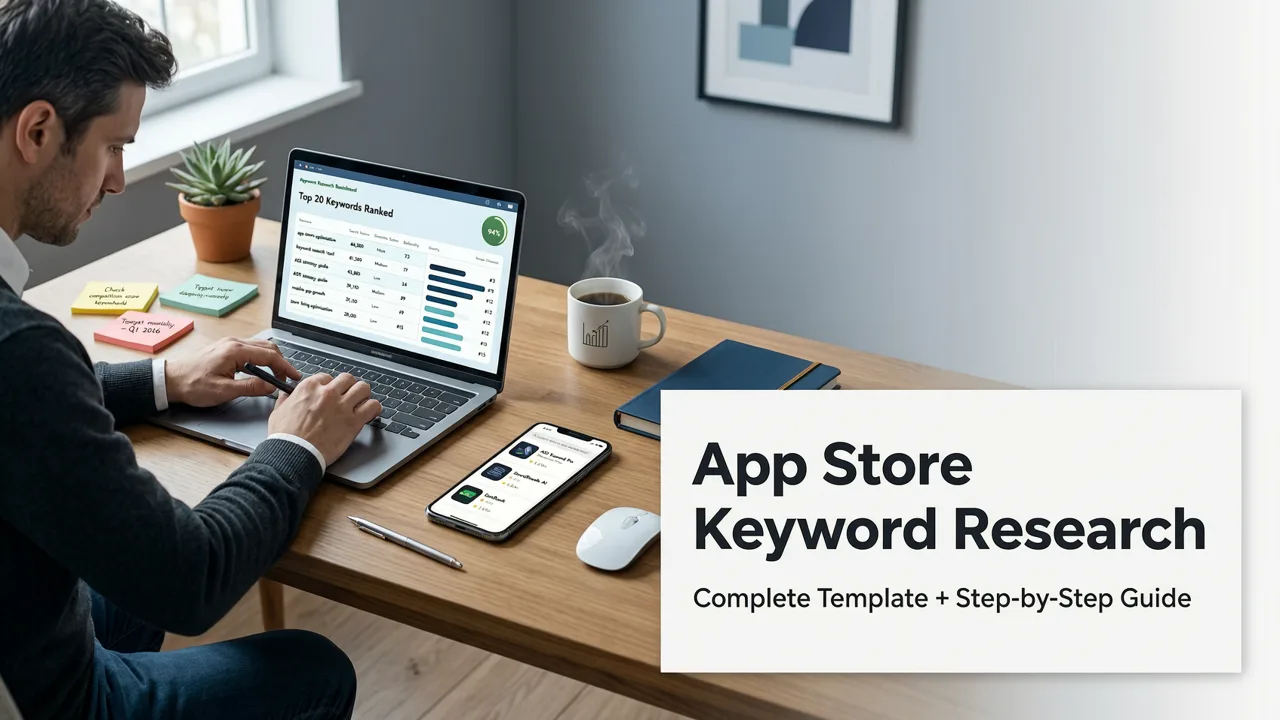
An app store keyword research template is a structured spreadsheet or database used to collect, analyze, and prioritize search terms for iOS and Android metadata optimization. In 2026, it bridges the gap between raw search data and actionable App Store Optimization (ASO) strategies. Rather than guessing which terms will drive organic downloads, development teams and marketers rely on these templates to map user intent directly to app store algorithms.
Mobile app marketplaces have become increasingly competitive. Simply stuffing metadata with popular terms no longer yields sustainable growth. A well-designed template forces teams to evaluate relevance, search volume, and keyword difficulty side-by-side. This structured approach ensures that every character in your app title, subtitle, and keyword field is utilized for maximum discoverability.
Core Components of an Effective App Store Keyword Research Template
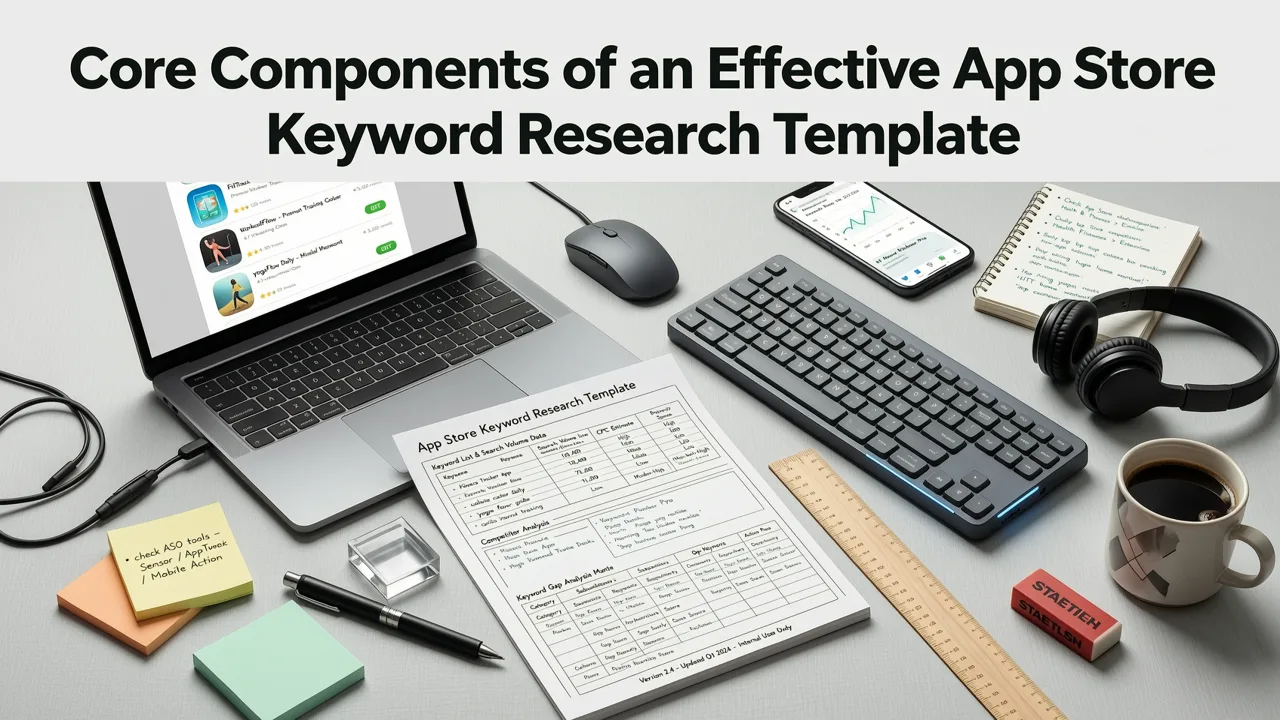
To build a winning ASO strategy, your template must capture the right data points. A comprehensive app store keyword research template goes beyond basic search volume. It incorporates behavioral signals, semantic variants, and platform-specific indexing rules.
How I do App Store Keyword Research in 2025
by Adam Lyttle
Keyword and Semantic Variants
Modern app store algorithms are highly sophisticated at understanding context. Your template should include columns for the primary keyword, long-tail variations, and semantic equivalents. For example, if your primary term is fitness tracker, semantic variants might include workout logger, exercise diary, or gym routine. Tracking these ensures you capture adjacent search traffic without duplicating efforts.
Search Volume and Difficulty Metrics
Quantitative data is the backbone of any app store keyword research template. You need columns dedicated to estimated monthly search volume and keyword difficulty or competition score. Search volume indicates the potential traffic, while difficulty reveals how hard it will be to rank against established competitors. Balancing these two metrics is essential for targeting quick wins alongside long-term growth goals.
Relevance and Intent Scoring
High search volume means nothing if the user intent does not align with your app core functionality. A relevance score, typically graded on a scale from one to five, helps filter out misleading terms. If a keyword has massive volume but low relevance, ranking for it will hurt your conversion rate. The template must prioritize terms where user intent perfectly matches the app value proposition.
How to Build and Populate Your App Store Keyword Research Template
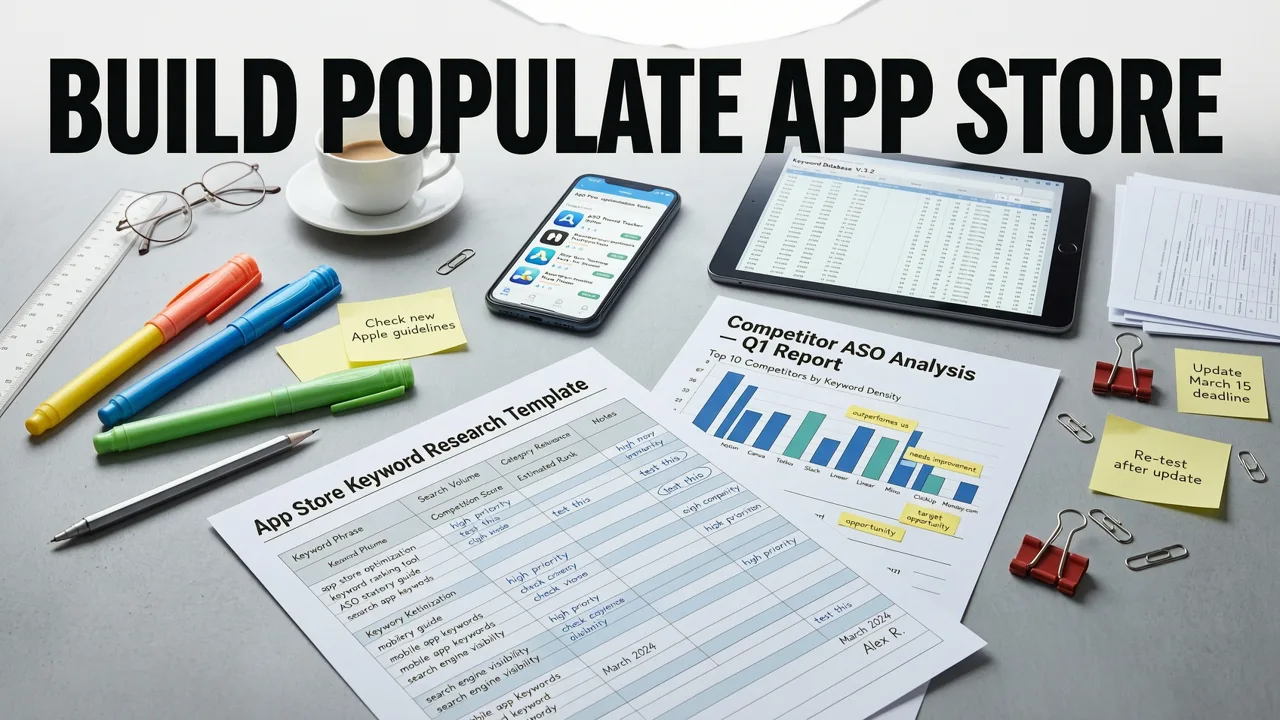
Creating a functional template requires a systematic approach to data gathering. Whether you are launching a new application or optimizing an existing one, the process remains consistent.
Step 1: Brainstorming and Seed Keyword Generation
Start by listing the core features, benefits, and use cases of your application. These form your seed keywords. Think about the exact phrases your target audience would type into the App Store or Google Play search bar. Include both functional descriptions and problem-solving phrases. This initial brainstorming phase provides the foundation for your app store keyword research template.
Step 2: Extracting Data from ASO Tools
Once you have your seed list, use professional ASO intelligence platforms to extract search volume, difficulty, and related keyword suggestions. Export this raw data and import it into your template. Ensure that you are pulling data specific to your target geographic regions, as search behaviors vary significantly across different countries. For a deeper dive into gathering this data, review the insights in our guide on how to build a winning ASO keyword research strategy for 2026.
Step 3: Analyzing Competitor Metadata
Identify the top five to ten direct competitors in your niche. Extract the keywords they are currently ranking for and add them to your template. Pay close attention to the keywords they prioritize in their titles and subtitles. This competitive analysis reveals market gaps and highlights opportunities where competitors may be neglecting high-value, low-difficulty terms.
The 2026 App Store Keyword Research Template Structure
Below is a practical framework for your app store keyword research template. This structure ensures that all critical data points are evaluated before a keyword is approved for metadata integration.
| Primary Keyword | Semantic Variants | Search Volume | Difficulty | Relevance (1-5) | Platform | Status |
|---|---|---|---|---|---|---|
| budget planner | expense tracker, money manager | High | High | 5 | iOS & Android | Target Title |
| daily expense log | spending diary, cash tracker | Medium | Low | 5 | iOS | Target Keywords |
| investment tracker | stock portfolio, crypto monitor | High | Medium | 3 | Android | Monitor Only |
| family budget app | household finance, shared expenses | Low | Very Low | 4 | iOS & Android | Target Subtitle |
This table format allows teams to quickly filter and sort data. By assigning a status such as Target Title, Target Keywords, or Monitor Only, you create a clear roadmap for your metadata updates.
Prioritizing Keywords for iOS and Android Metadata
Once your app store keyword research template is fully populated, the next phase is prioritization. The iOS App Store and Google Play Store handle metadata differently, requiring distinct strategies for each platform.
Balancing Search Volume and Keyword Difficulty
A common mistake is targeting only the highest volume keywords. While tempting, these terms are often dominated by legacy apps with millions of downloads. Instead, use your template to identify medium-volume, low-difficulty keywords. These terms offer a realistic path to top rankings, driving consistent organic traffic that compounds over time. If your app is new, focusing on these achievable terms is critical for early momentum.
Mapping Keywords to App Store Fields
Apple allows 30 characters for the app name, 30 for the subtitle, and 100 for the hidden keyword field. Commas separate terms, and spaces after commas are wasted characters. Your template should include a column that maps approved keywords to specific fields. Google Play, conversely, indexes the entire short description and long description. For Android, your template must track keyword density and natural placement within the descriptive text. To ensure your metadata is fully optimized, cross-reference your selections with the complete ASO audit checklist for 2026.
Common Mistakes to Avoid When Using a Keyword Template
Even with a robust app store keyword research template, teams can fall into predictable traps that hinder organic growth. Avoiding these errors ensures your optimization efforts yield measurable results.
- Ignoring Localized Search Behavior: Translating keywords directly often fails. A term that performs well in the US may have zero search volume in the UK or Australia. Your template must include columns for regional performance metrics.
- Neglecting Negative Keywords: Just as you track terms to target, you should document terms to avoid. If a popular keyword attracts users who immediately uninstall your app because it does not match their intent, it damages your conversion rate and overall ranking.
- Failing to Update Regularly: App store algorithms and user behaviors shift constantly. A template is a living document. Review and refresh your data at least once per quarter to capture emerging trends and seasonal search spikes.
- Overlooking Visual Conversion: Keywords drive visibility, but icons and screenshots drive downloads. If your template identifies a high-traffic keyword, ensure your visual assets explicitly communicate the value related to that term. For indie teams managing tight resources, partnering with experts can streamline this process, as detailed in the best ASO agency guide for indie developers in 2026.
Advanced Tactics for 2026 Keyword Optimization
As we navigate late 2026, app store algorithms are placing heavier emphasis on user engagement metrics and semantic understanding. Your app store keyword research template should evolve to reflect these shifts.
Integrating Behavioral Signals
Add columns to your template for average rating, retention rate, and engagement velocity associated with specific keyword clusters. If users searching for a specific long-tail term consistently engage longer with your app, the algorithm will reward your visibility for that term, even if the raw search volume is modest.
Leveraging AI-Driven Semantic Clustering
Modern ASO tools utilize artificial intelligence to group keywords into semantic clusters. Instead of treating every keyword as an isolated entity, your template should group them by topic. This allows you to build comprehensive metadata that satisfies the algorithm's need for topical authority, rather than just matching exact character strings.
Conclusion
A meticulously maintained app store keyword research template is the foundation of sustainable mobile growth. It transforms subjective guessing into an objective, data-driven process. By capturing search volume, difficulty, relevance, and platform-specific nuances, your team can make confident metadata decisions that improve rankings and drive organic downloads. Start building your template today, populate it with accurate 2026 data, and commit to regular reviews to stay ahead of the competition. If you need professional assistance in executing your ASO strategy, exploring dedicated optimization services can provide the expertise required to scale your app's visibility effectively.